

Hiring the right resources at the right time is critical for any enterprise that relies on project-based delivery. In sectors like IT Services, BFSI, and Engineering R&D, resource needs evolve rapidly.
But what happens when the right skill doesn’t exist within your current pool of employees?
You raise a resource request. And if you’re using Whizible®, that request can now be automatically pushed to your hiring system.
This blog explores:
- The business value of automation in resource requisition
- Functional flow and user journey
- Key API endpoints and parameters
- Benefits for Delivery Heads, PMOs, RMG, and HR
- How it improves resource utilization, compliance, and agility
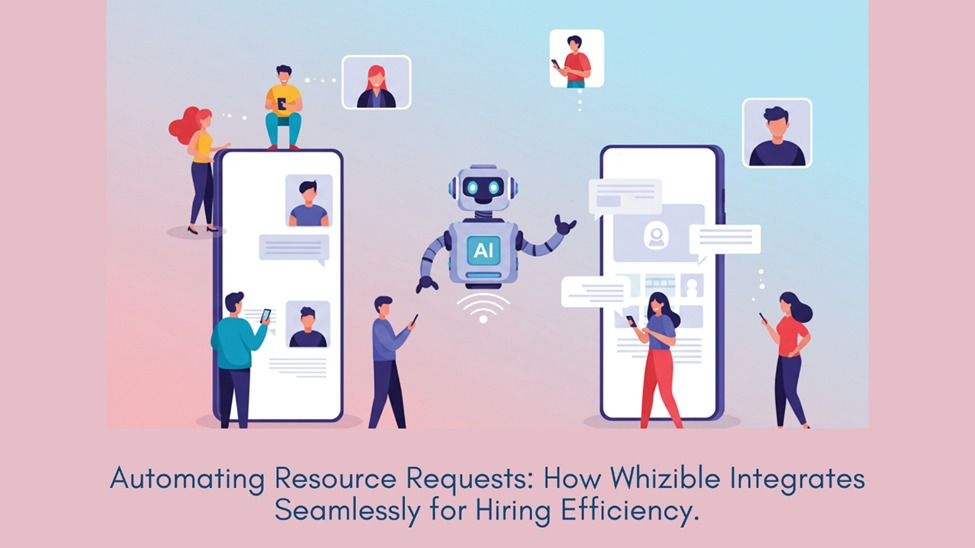
The Business Context – Why This Integration Matters
Enterprises manage resource demand and capacity using platforms like Whizible®, while recruitment often happens in disconnected systems.
The problem? Manual workflows lead to:
- Delays
- Data mismatches
- Repetitive tasks
This API integration ensures:
- Real-time data transfer
- Accurate hiring metadata
- Transparent workflows between delivery and HR
- Improved hiring turnaround time (TAT)
Goal: Automate hiring triggers directly from Whizible after internal matching fails.
Project Overview – What the Integration Does
When a resource request is flagged in Whizible® and the user selects External Hiring, the platform:
- Triggers a GET API from Whizible
- Sends detailed resource request data to the external system via POST API
- Transfers project name, role, skills, experience, location, and billing details
- Enables hiring teams to take action instantly
Key Stakeholders Who Benefit
|
Stakeholder |
Value |
|
RMG |
External hiring initiated seamlessly |
|
PMO/Delivery |
No delays due to resource gaps |
|
Recruitment/HR |
Receives complete, structured job data instantly |
|
IT Teams |
Secure and traceable integration |
|
Compliance |
Audit-ready workflows |
Functional Flow: Step-by-Step Journey
Step 1: Flag for Recruitment
In Whizible:
Resource >> Manage >> Employee >> Resource Allocation >> Flag for Recruitment
- Dropdown appears asking for Hiring Type:
- Internal
- External
- Upon selecting External, a confirmation appears:
“Do you want to send this request for external hiring?”
Step 2: API Trigger
Whizible triggers the GET API:
GET: /api/project/GetResourceRequestDetails
Key payload includes:
- Project
- Role
- Skills
- Experience
- Dates
- Work hours
- Billing info
Step 3: Data Transmission
The GET response is transformed to match the format of the target hiring system’s POST API.
Fields passed:
- Role
- Location
- Duration
- Experience
- Skill tags
- Comments
- Band and billing model
Result: Hiring request appears in the recruitment system without manual entry.
API Deep Dive – Parameters
Whizible GET API
Endpoint:
GET /api/project/GetResourceRequestDetails
Sample Parameters:
- hiring_type (String)
- request_id (Int)
- requested_on (Date)
- project (String)
- role (String)
- skills (String)
- experience_years (Int)
- billing_position (String)
- location (String)
- band (String)
- department (String)
- from_date / to_date (Date)
- work_hours_percent (Int)
Integration Architecture
[Whizible UI]
↓
Flag for Recruitment (External)
↓
GET API Call
↓
Integration Layer
↓
POST Request to Hiring System
↓
[Hiring Queue]
Use Case: Faster Hiring Cycle
Company:
Mid-sized IT services firm
Earlier:
- Manual request
- Excel handoff
- Delayed job postings
- TAT: 6–8 days
With API:
- One-click trigger from Whizible
- Hiring team gets structured request instantly
- TAT: < 24 hours
“We now align hiring velocity with project demand.”
Enterprise Benefits
|
Category |
Benefit |
|
Speed |
No delays between resource need and action |
|
Accuracy |
Eliminates re-entry errors |
|
Collaboration |
Seamless RMG-HR sync |
|
Compliance |
Transparent audit trail |
|
Productivity |
Fewer emails, no duplication |
Comparison: Manual vs Automated Flow
|
Aspect |
Manual |
API-Based |
|
Data Entry |
Manual |
Automated |
|
Accuracy |
Prone to errors |
Structurally valid |
|
Time to Hire |
5–7 days |
< 1 day |
|
Compliance |
Weak trail |
Logged & secure |
Future Scope
With integration in place, future capabilities may include:
- Auto-assigning recruiters
- Syncing onboarding status
- Notification triggers for delays
- Mapping hired resource back to Whizible projects
FAQs
Q: Is this available for all Whizible users?
Only for clients using the integration and role-based access.
Q: Is the data secure?
Yes. API calls are authenticated and encrypted.
Q: Can fields be customized?
Yes. Additional fields can be configured.
Connect with us on LinkedIn
👉 Learn more about Whizible : www.whizible.com
📧 Email: info@whizible.com
Address: Mrugank, Level 3, Kothrud, Pune, Maharashtra, 411038